One link instead of many messages
Date, venue, schedule, map and RSVP live in one place that's always up to date.
YOUR STATS
28 of 34 replied
One page instead of countless Viber messages: date, venue, directions, wishlist and RSVP — guests get everything from a single link, and you know who's coming before grandma even calls.
No subscription. First 30 coins to launch a page — from the 100 welcome coins every new user receives.
YOUR STATS
28 of 34 replied
Couples treat invitations like a mini-project: designer, print run, courier or hand delivery, plus a separate chat or spreadsheet to figure out who got the card and whether they'll reply at all. Three things break in practice:
Information ages faster than the print run. You changed the venue, moved arrival by an hour, added a second day — and now you're either reprinting or calling each guest yourself.
RSVP becomes an investigation. Someone replied in DM, someone didn't pick up, someone "probably" for three weeks. You get to the final headcount by nerves, not a spreadsheet.
Guests lose track of the details. Where exactly is the venue, what time to arrive, what's the dress code, can we bring kids, what to gift when the couple already "has everything" — all asked personally, usually the week before.
An electronic wedding invitation doesn't replace the vibe of the day — it removes the operational headache of getting there.
BigDay.Space is a platform where the invitation becomes not a print file but a live, personalized page. You fill it in once through a step-by-step builder — without Photoshop, a designer, or code — and send a single link (or your own subdomain). Change something a week before the wedding, and it updates instantly for everyone you already sent it to.
Date, venue, schedule, map and RSVP live in one place that's always up to date.
Guests confirm right on the page, no signup or app install — and you see everyone's status in one dashboard.
Guests see the wishlist and which items are already "reserved," so nobody duplicates.
By password, verified phone or email, or by matching a name against your invited-guest list, for a private wedding.
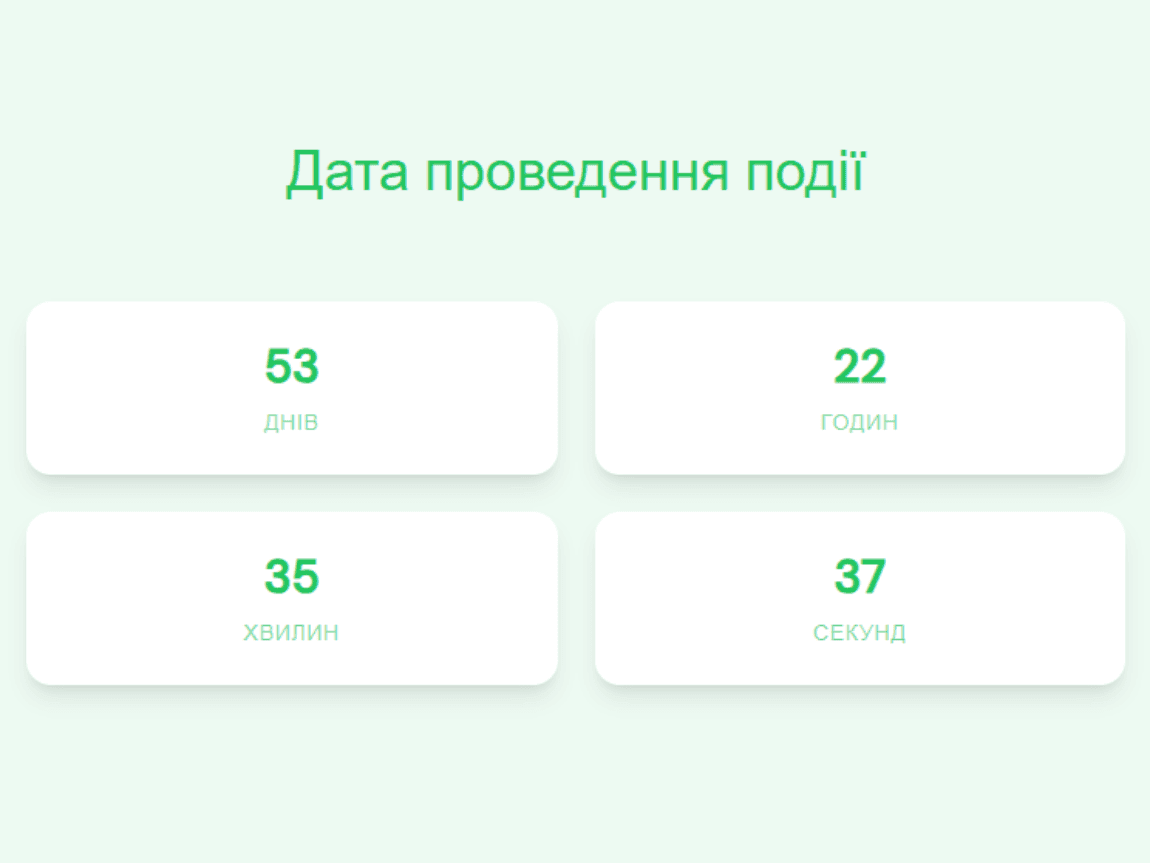
Days, hours and minutes to the big day, with your own headline and caption — the first thing a guest sees when opening the link.
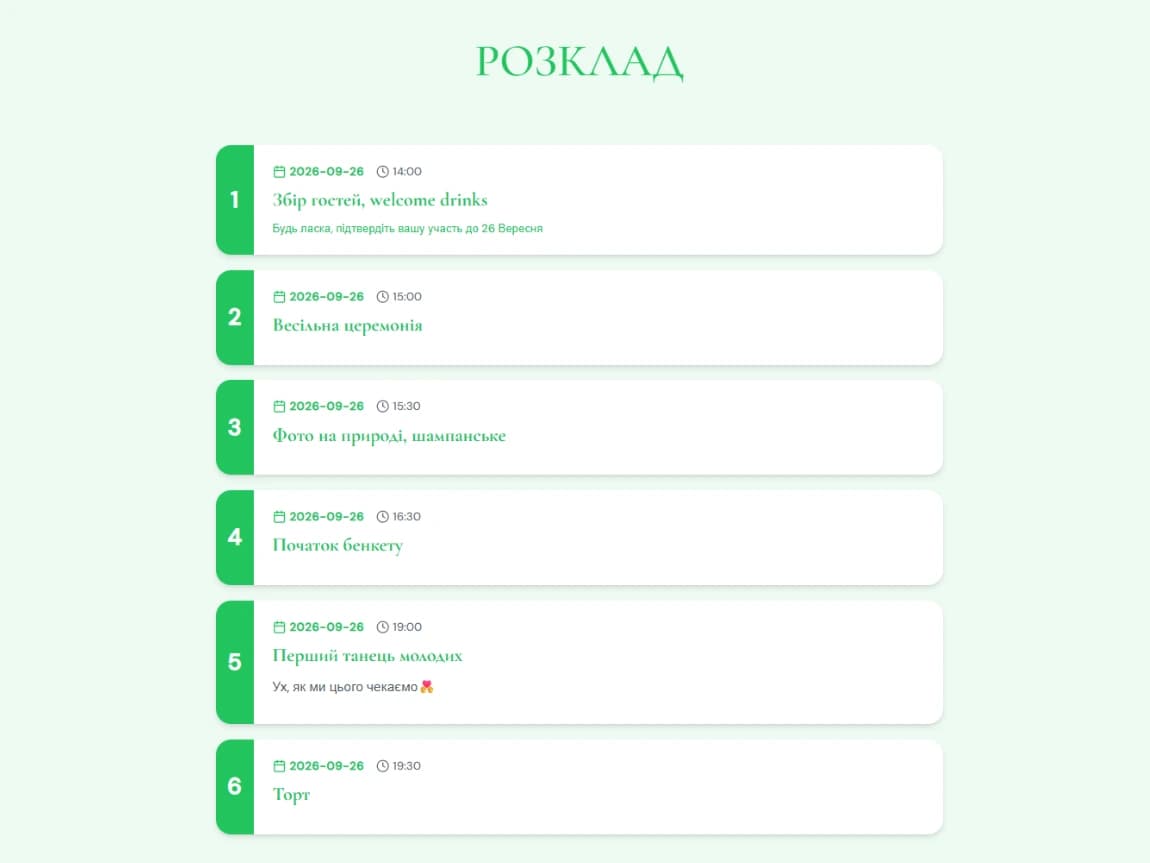
Multi-day program with date, time, title and description for each item. Three ready-made visual styles — timeline, cards with numbers and a color strip, or minimal rows.
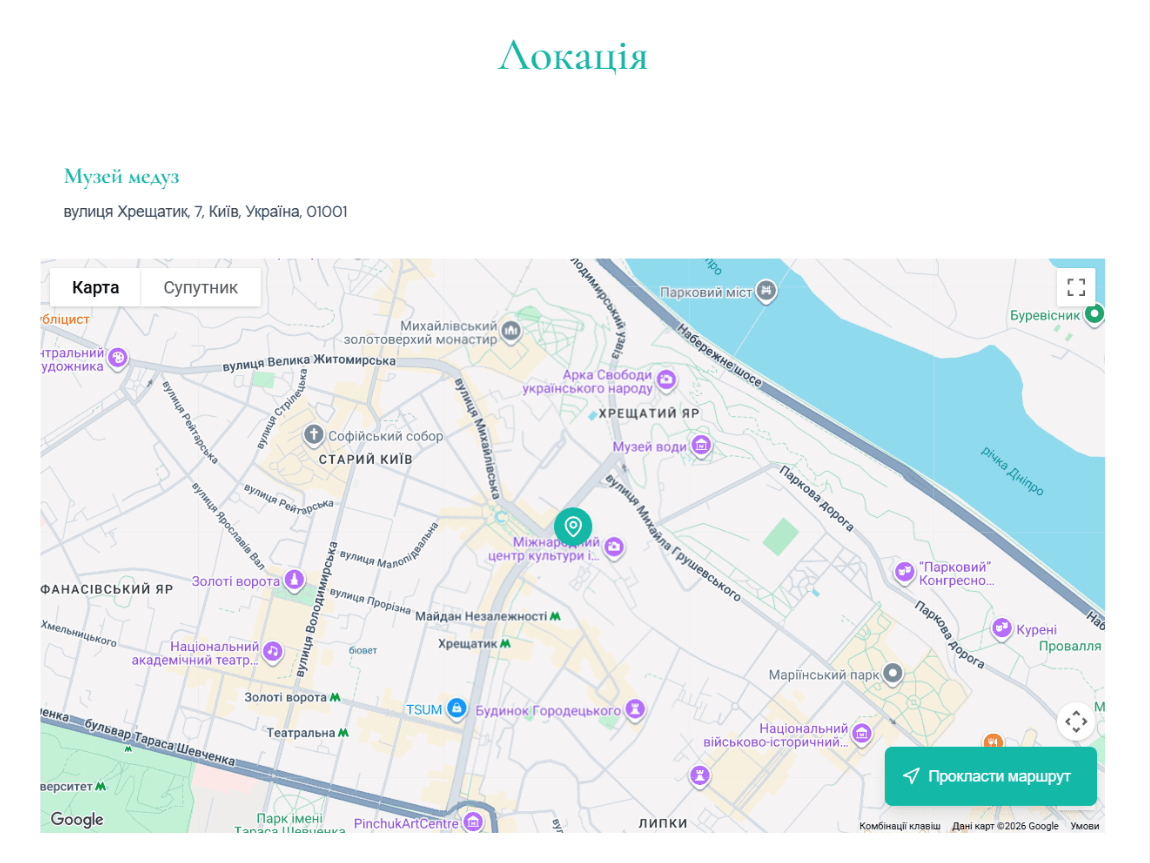
Embedded Google Maps with venue search, arrival instructions and a photo gallery of the location.
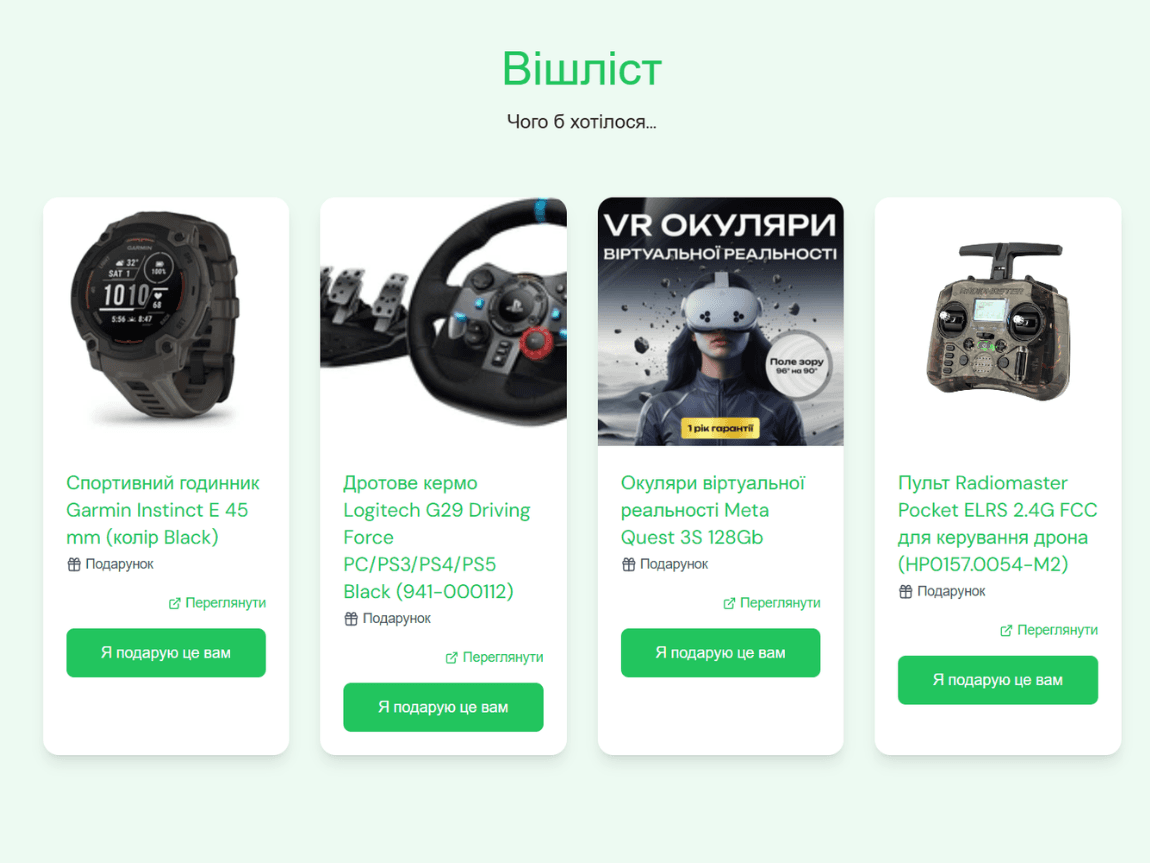
Guests reserve a specific gift and see what's already taken. Add items by pasting a link (title, photo and price are pulled in automatically) or manually.
Guest name, contact, an attendance question in your own words, party size, and a comment field.
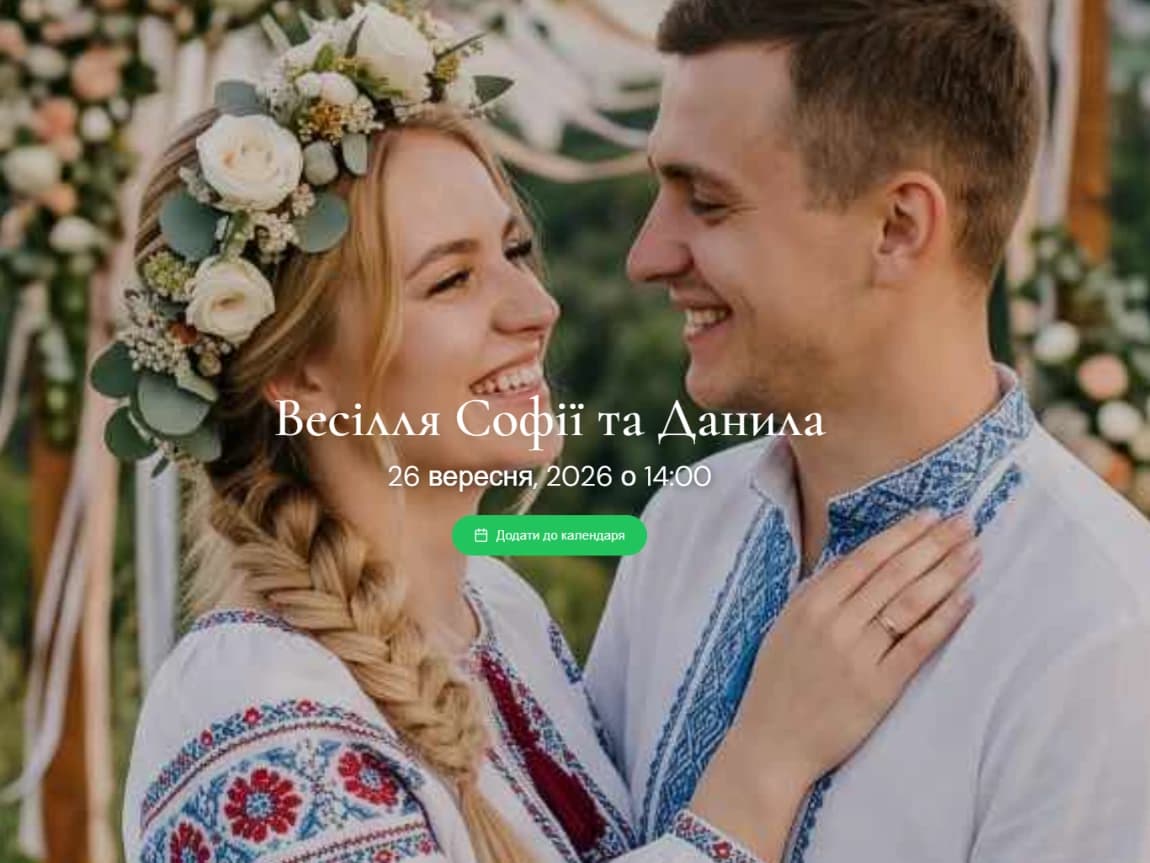
Guests save the date to Google Calendar, Apple Calendar or their favorite app in a single tap.
Searching for a "wedding invitation template" usually means one thing: a ready-made, good-looking base you can quickly adapt to your wedding — without paying for custom design work.
The template here isn't a static print layout — it's a live foundation you fill with your photos, copy and dates in minutes.
Multiple visual themes and page layouts — pick the one that matches your wedding style.
Accent color to fit the mood — applies to buttons, headings and UI elements.
Choose a background — your own photo of the couple, a poster from the library, or a solid color.
Separate mobile and desktop image cropping, so photos don't get cut off awkwardly on a guest's phone.
Page language — Ukrainian or English, if any of your guests are international.
Draft before publishing — polish the page, show it to your partner, and only then publish.
Couples organizing their own wedding who want one tool instead of email, a Viber group, a spreadsheet for RSVP and a separate site for the wishlist.
Couples with guests across cities or countries — the link opens on any phone, without an app install or signup on the guest's side.
Weddings with a closed guest list, where it matters that outsiders can't view the page.
Wedding planners and hosts running several events a season who want per-client stats fast.
Celebrations beyond the wedding itself — engagements, hen parties, anniversaries or christenings on the same tool.
Sign up. By email, Google, or phone number with a verification code. 100 BigDay Coins land on your balance instantly.
Create the wedding page. Pick "Wedding" as the event type, choose theme and background, enable the sections you need. Publishing a page costs 30 coins from the welcome balance.
Add guests and set access. Enter your guest list — reusable across events — and, if needed, lock the page with a password or an invited-guest list check.
Publish and share the link. No one sees the page before publish. After — share the link or use the built-in SMS blast (first three per event are free).
Track responses. Stats show views, confirmations and which wishlist items are already "reserved" — all in one dashboard.
Your first 100 coins are already on your balance
No. Guests open the link in a browser and see the page. Confirming attendance or reserving a gift doesn't require an account.
The page includes practical tools out of the box — countdown, RSVP with stats, wishlist with reservations, and a map — not just text and photos.
Edit the page from your dashboard — changes appear immediately at the same link guests already have.
Yes. Turn on "Private event" in the settings and pick one of three access methods: a shared password, verified email, or a verified phone number checked against the invited-guest list.
Yes, straight from the guest-management dashboard.
Yes, the platform and event page are available in Ukrainian or English.
Creating the page takes about as long as writing a message in a group chat — but all your guests see the result immediately, and confirm in two taps.
Free start · No credit card · No subscription · Cancel anytime