All the details in one place
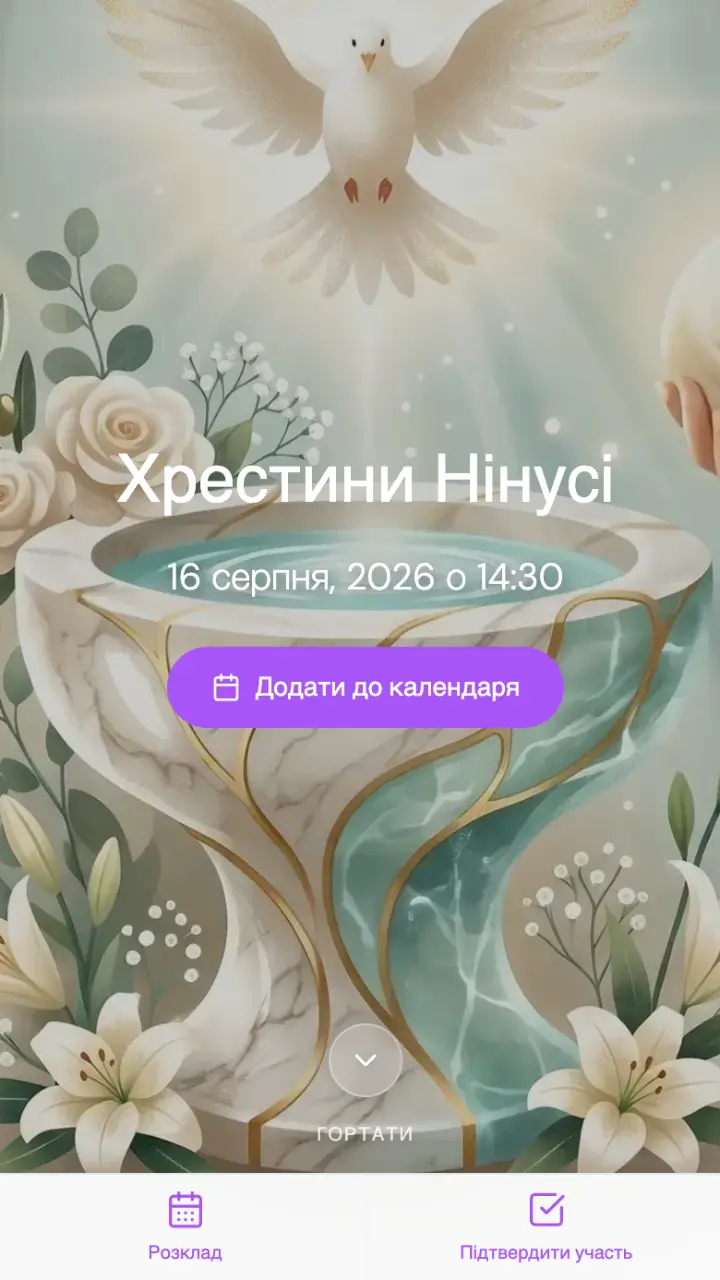
Date and time of the ceremony, church address, reception address — your guest opens the link and sees everything at once, without searching through chats.
YOUR STATS
28 of 34 replied
One page instead of Viber messages and calls to relatives. Date and time of the ceremony, church address, reception venue, baby gift list and RSVP form — godparents and guests get everything from one link.
No subscription · 100 coins to start · first 3 events free
YOUR STATS
28 of 34 replied
Christenings are usually prepared through several channels at once — godparents get calls, friends get Viber or Telegram messages, someone gets an SMS, and grandparents get a printed card. Every guest ends up with their own version of the details.
The date or church changes — updates have to be sent in every channel separately.
In a group chat, what matters gets buried in noise — the church address or ceremony time drown between photos and greetings, and counting who confirmed is harder still.
Godparents prefer messengers, grandparents prefer a phone call — the same information gets repeated manually for each of them.
Gifts get duplicated — each person arranges things in their own channel without seeing what others already chose.
Traditionally, a christening invitation must include the child's name, the date, the church and the reception venue — it is much easier to collect this once on a living page than to repeat it in every message.
BigDay.Space turns a christening invitation into a personalized event page that parents create themselves — no designer or printer required.
Date and time of the ceremony, church address, reception address — your guest opens the link and sees everything at once, without searching through chats.
Guests confirm attendance right on the page — no sign-up, no account. Guest count and response status are visible in your dashboard.
Show what to give the baby (clothes, toys). All guests see immediately what has already been picked and what hasn't.
Family celebrations are often kept private — access can be limited by password, verified email/phone, or a guest list.
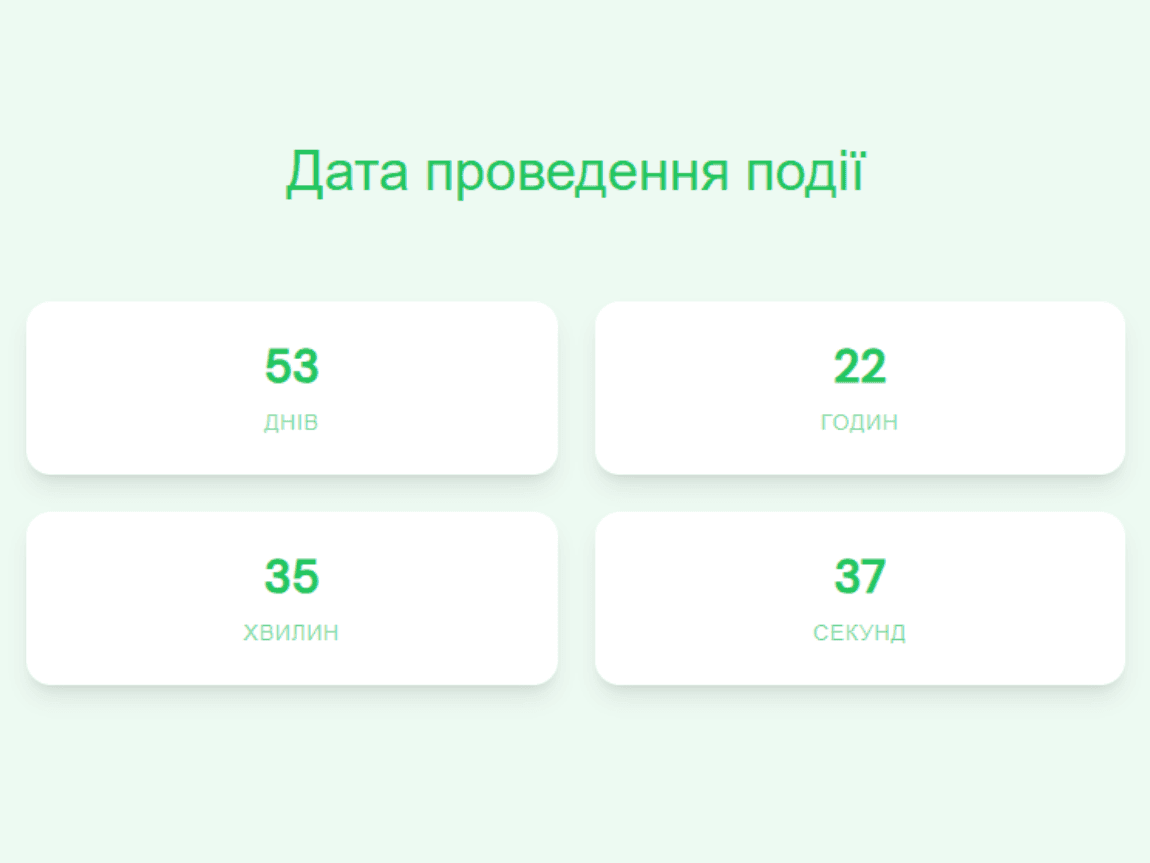
Days, hours and minutes until the ceremony, with your own heading and caption.
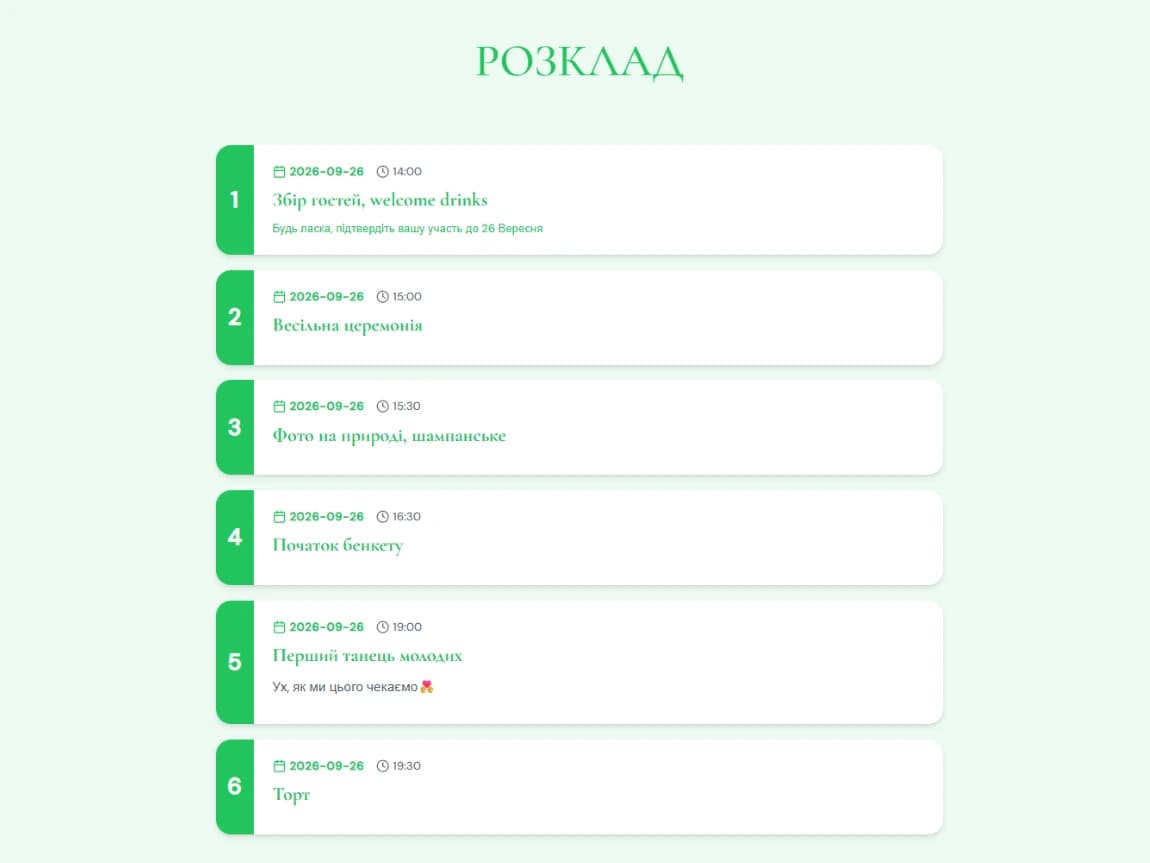
Separate entries for the church ceremony and the reception afterwards, with time, name and description for each.
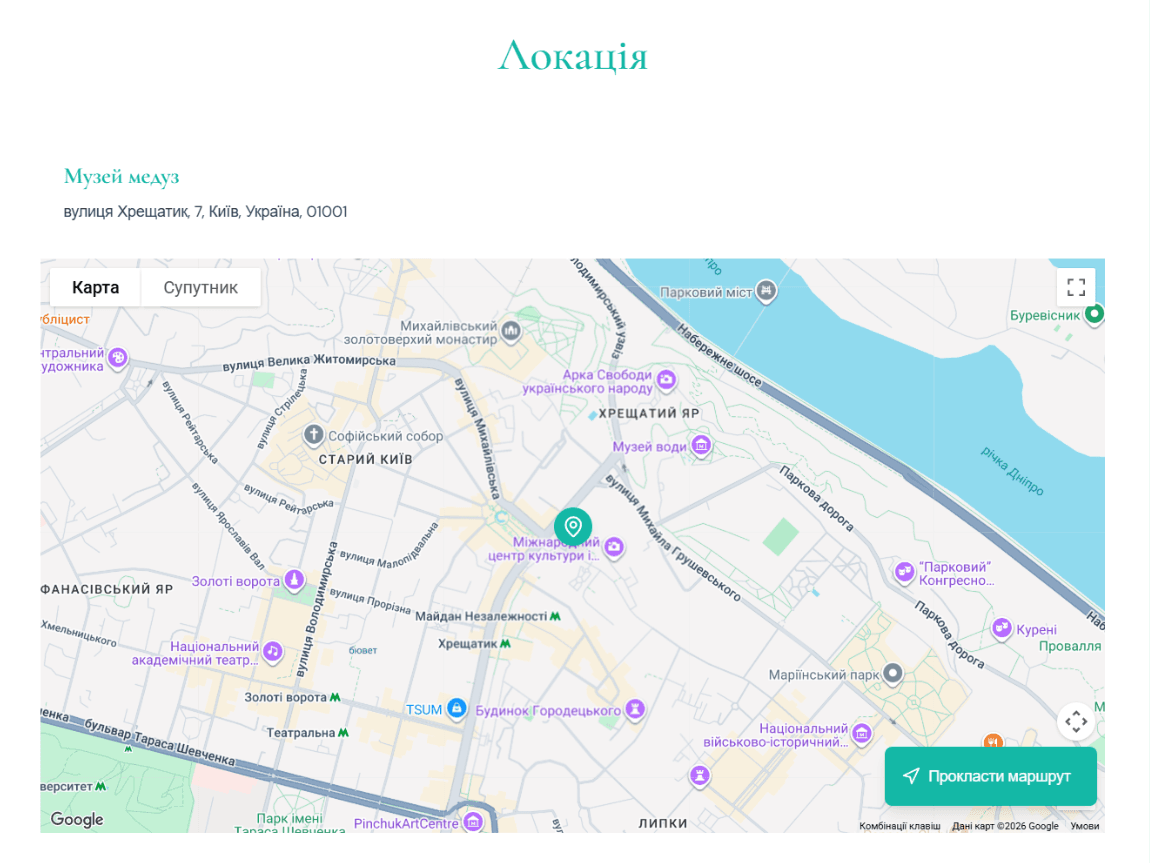
Built-in Google Maps search for the main address (church or reception), so guests can get directions in one tap.
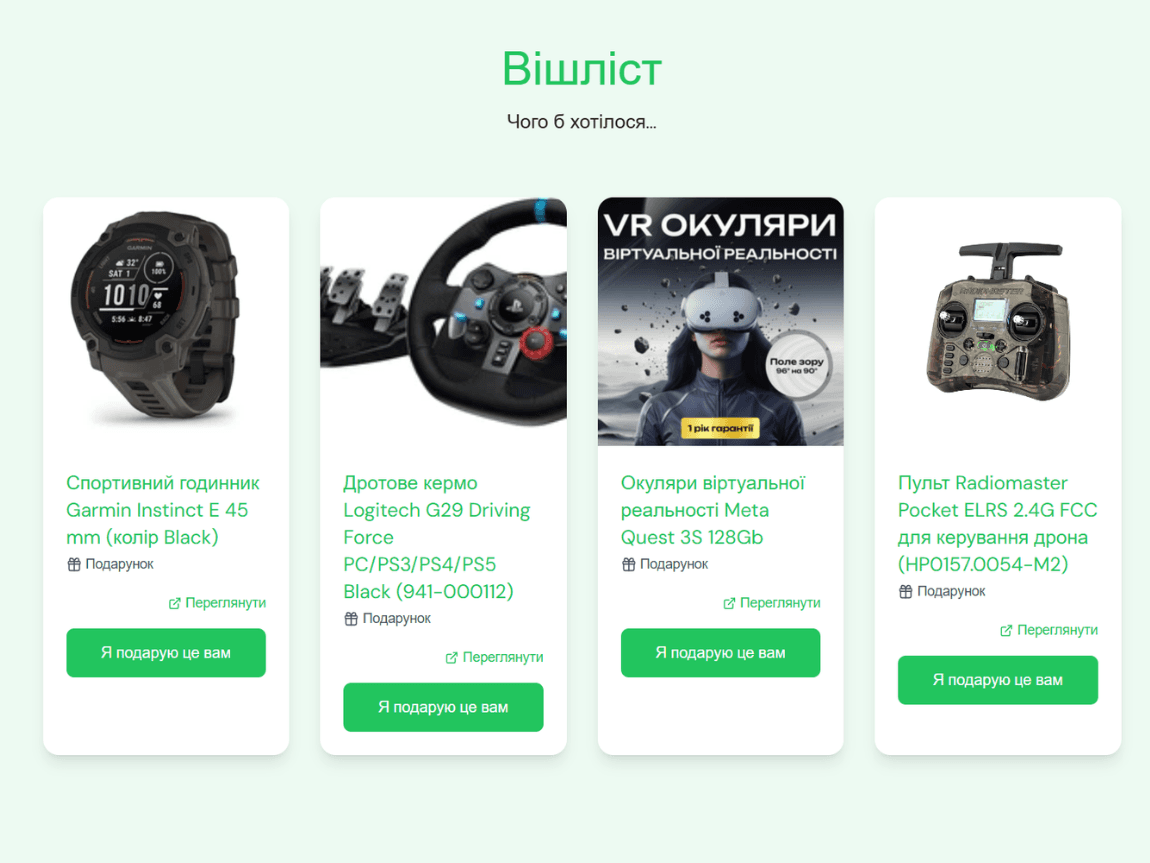
Guests reserve a specific gift. Items are added manually or by pasting a product link.
Guest name, contact (email or phone), attendance question, party size, and a wish note.
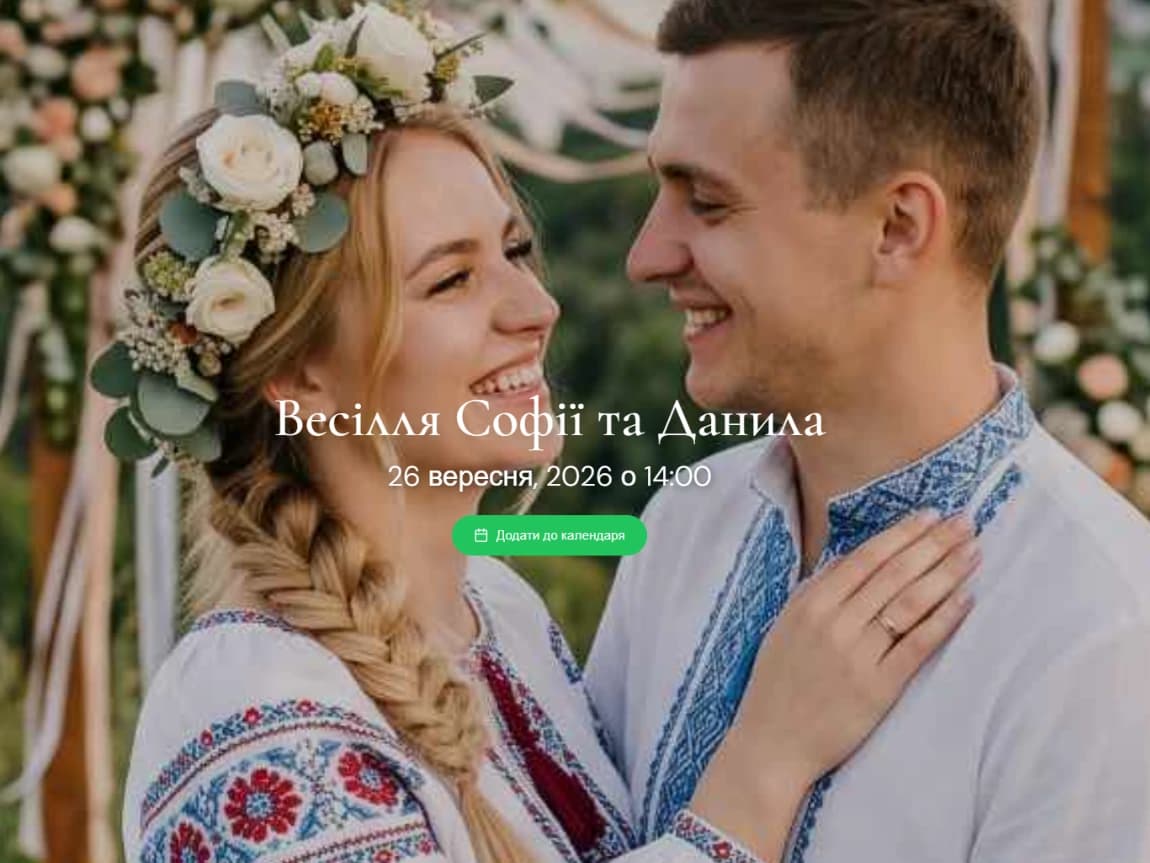
A guest saves the christening date to Google Calendar, Apple Calendar or any other app in one click.
Password, verified email, verified phone number, or matching against the invited guest list.
Send invitations straight from your dashboard — no third-party service needed.
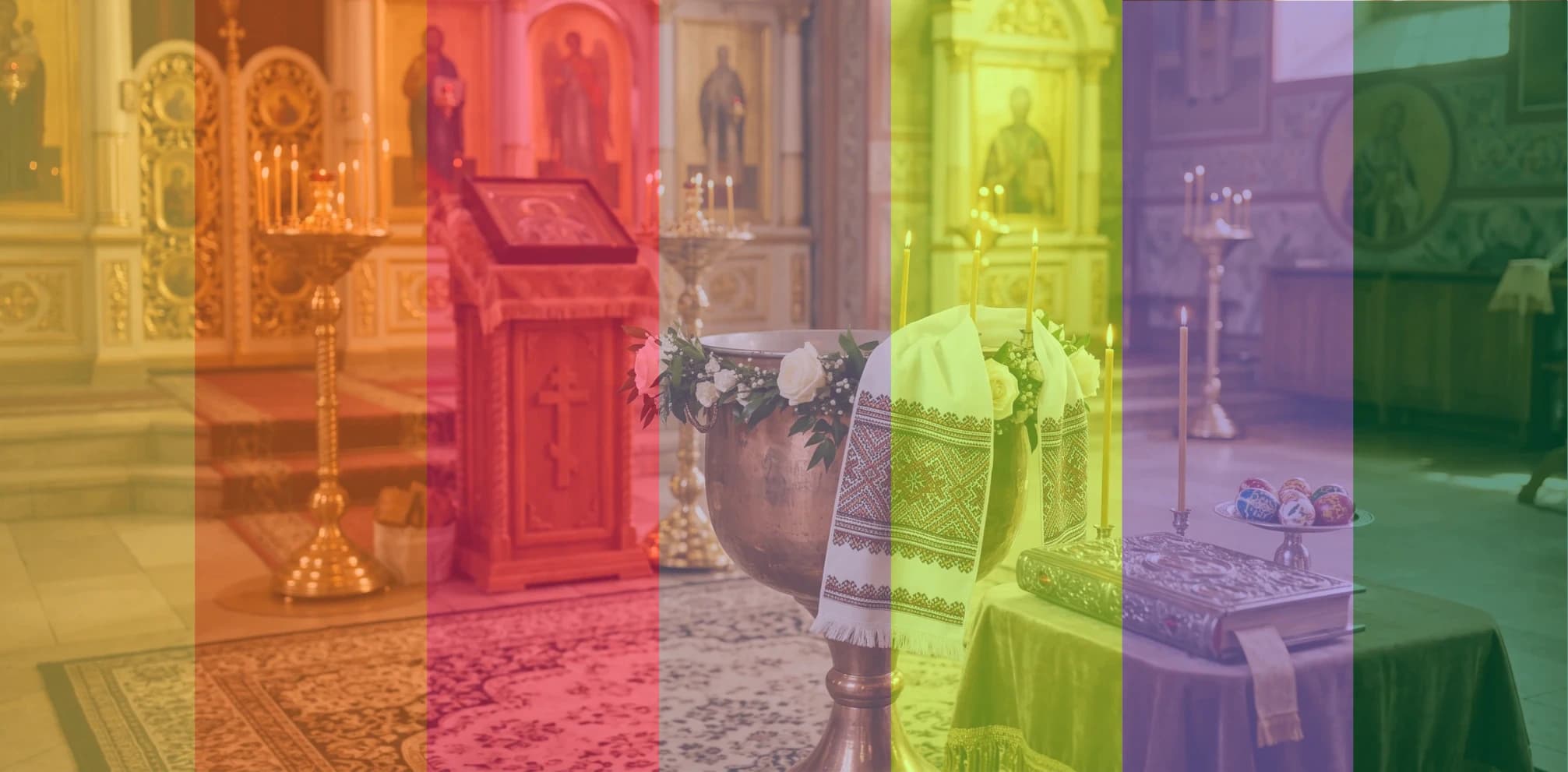
A theme is not a static image for print but a living page foundation you can edit any time after publishing.
Pick a visual theme and an accent color, add your own photo of the baby or a ready-made poster from the library — publish only when you are ready.
Visual theme and accent color to match the mood of the day.
Background — a baby photo, a ready-made poster from the library, or a solid color.
Separate font settings for headings and body text.
Page language — Ukrainian or English, independent of the dashboard language.
Draft before publishing — share the page with the godparents first, publish only when everyone is happy.
| Calls, SMS, chat, printed card — separately | BigDay.Space | |
|---|---|---|
| Access to information | (Information scattered across several channels) | (One page, one link) |
| Updates after a date or venue change | (Requires resending in every channel) | (Everyone sees edits at once) |
| Visibility of details | (Gets lost in the chat among photos and messages) | (Always in plain sight) |
| Attendance confirmations | (Have to be collected by hand) | (Automatic form with stats) |
| Baby gift list | (Duplicated across channels) | (Shared list, duplicates visible) |
| Speed of creating and sending invitations | (Days. Calls + print + phoning around) | (Minutes and a few clicks) |
Access to information
Updates after a date or venue change
Visibility of details
Attendance confirmations
Baby gift list
Speed of creating and sending invitations
Parents organizing the christening themselves and wanting RSVPs in one place.
Godparents who need the exact church address and ceremony time.
Families with guests coming from different cities or countries.
Grandparents for whom opening a link in a browser is easier than installing a new app.
Hosts and event organizers preparing christenings end to end for clients.
Sign up. By email, with Google, or by phone number — your balance is topped up with 100 BigDay Coins right away.
Create the christening page. Pick the event type, theme and background, and turn on the sections you need. Creating the page costs 30 coins from your welcome balance.
Add event details and guests. Ceremony date, church address, reception venue, baby gift list — all managed in one dashboard.
Publish and share the link or send SMS. The page is invisible until published. After that, use platform-native SMS sending in a few clicks.
Track responses. Statistics show attendance confirmations and which gifts have already been reserved from the list.
First 100 coins already on your balance
At minimum: the child's name, date and time of the ceremony, name of the church and the reception venue. On a BigDay.Space page these fields are filled in once and shown to every guest, without the risk that someone misses a chat message.
These are different messages. A christening invitation calls guests and godparents to an event that already has a fixed date and place, while asking someone to become a godparent is a separate, usually personal request made before the ceremony date is set.
Just edit the page in your dashboard — everyone who already has the link will see the updated information immediately, no need to resend anything.
Yes. Access can be limited by password, verified email, verified phone number, or matching against the invited guest list.
Sign-up gives you 100 BigDay Coins free, and creating a page costs 30 coins — so your first three events can be created without payment. Additional coins are bought in packs, without a subscription.
Yes, the page language can be Ukrainian or English, independent of the dashboard interface language.
Creating the page takes about as long as writing a message in a group chat — but all your guests see the result immediately: godparents, grandparents, and guests from another city.
Free start · No credit card · No subscription · Cancel anytime